|
Web Site Access Log Analyzer - Piwik
2014/09/29 |
|
Install Web Site Access Analyzer "Piwik". Piwik is different from AWStats and others, it analyzes a Web site,
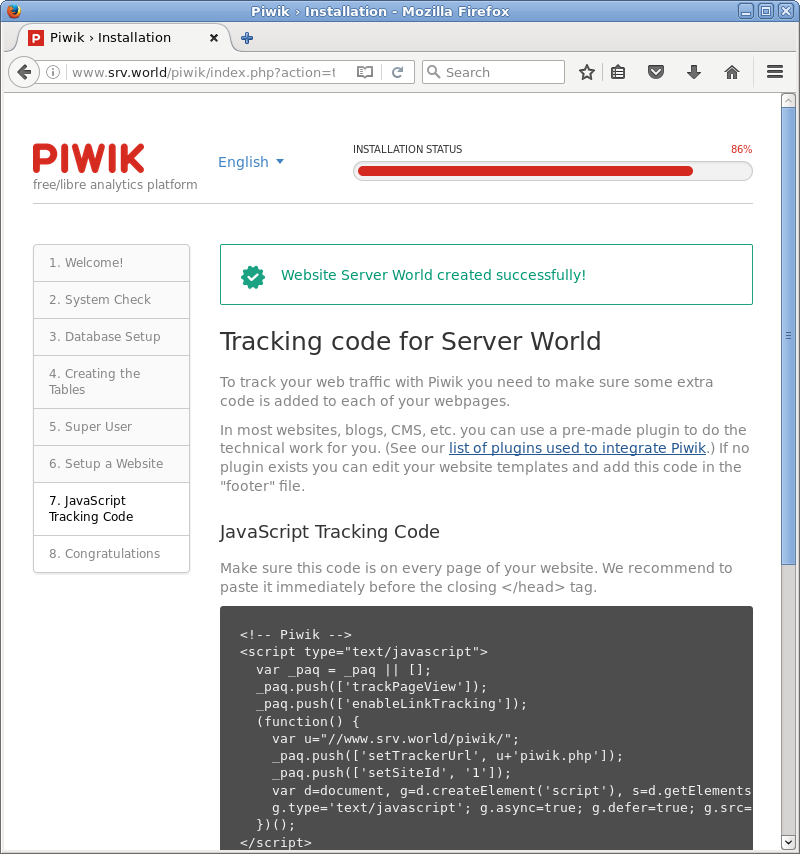
so it needs to add Java Script codes on a web site you'd like to analyze accesses.
|
|
| [1] | |
| [2] | |
| [3] | Create a Database for Piwik. |
|
[root@www ~]# mysql -u root -p Enter password: Welcome to the MariaDB monitor. Commands end with ; or \g. Your MariaDB connection id is 38 Server version: 5.5.37-MariaDB MariaDB Server Copyright (c) 2000, 2014, Oracle, Monty Program Ab and others. Type 'help;' or '\h' for help. Type '\c' to clear the current input statement. # create "piwik" database ( set any password for 'password' )
MariaDB [(none)]>
create database piwik; Query OK, 1 row affected (0.00 sec)
MariaDB [(none)]>
grant all privileges on piwik.* to piwik@'localhost' identified by 'password'; Query OK, 0 rows affected (0.00 sec)
MariaDB [(none)]>
MariaDB [(none)]> flush privileges; Query OK, 0 rows affected (0.00 sec) exit Bye |
| [4] | Install Piwik. |
|
[root@www ~]#
yum -y install php-mysql php-pdo php-gd php-xml
[root@www ~]#
vi /etc/php.ini # line 405: increase memory limit memory_limit = 512M
wget http://piwik.org/latest.zip -P /var/www/html [root@www ~]# unzip /var/www/html/latest.zip -d /var/www/html [root@www ~]# chown -R apache. /var/www/html/piwik/tmp [root@www ~]# chown -R apache. /var/www/html/piwik/config |
| [5] | If SELinux is enabled, change rules like follows. |
|
[root@www ~]# setsebool -P httpd_can_network_connect_db on [root@www ~]# chcon -R -t httpd_sys_rw_content_t /var/www/html/piwik/tmp [root@www ~]# chcon -R -t httpd_sys_rw_content_t /var/www/html/piwik/config [root@www ~]# semanage fcontext -a -t httpd_sys_rw_content_t /var/www/html/piwik/tmp [root@www ~]# semanage fcontext -a -t httpd_sys_rw_content_t /var/www/html/piwik/config |
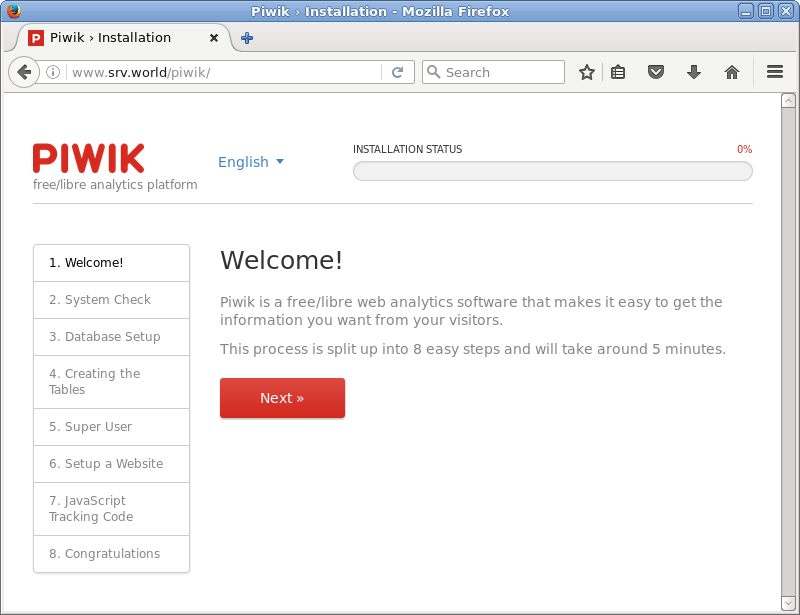
| [6] | Access to "http://(server's hostname or IP address)/piwik/" and Click "Next". |
|
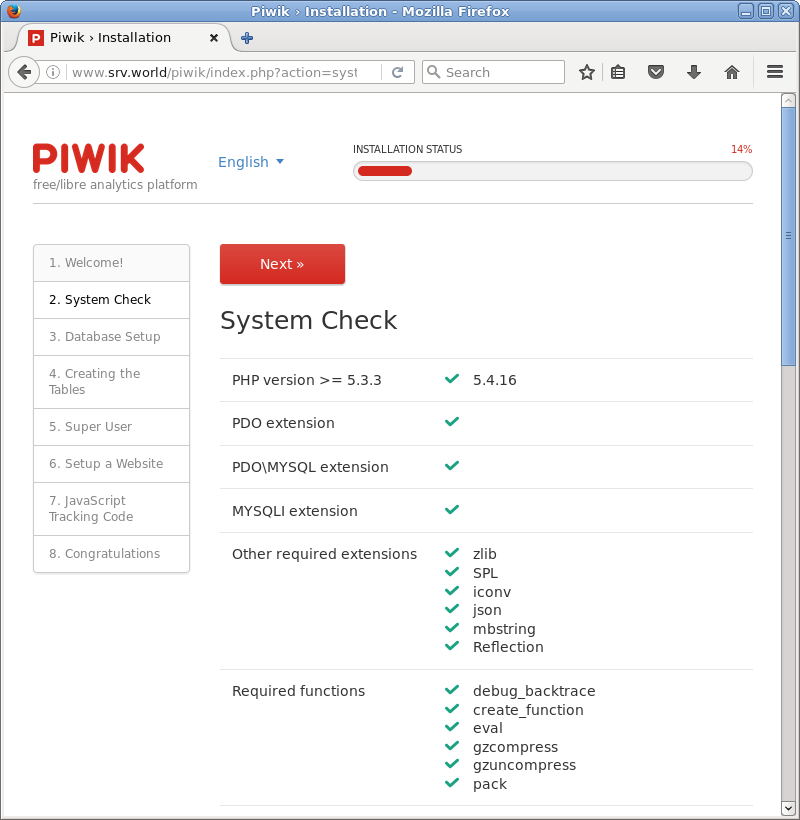
| [7] | Confirm system requirements. If it's all OK, Go next. |
|
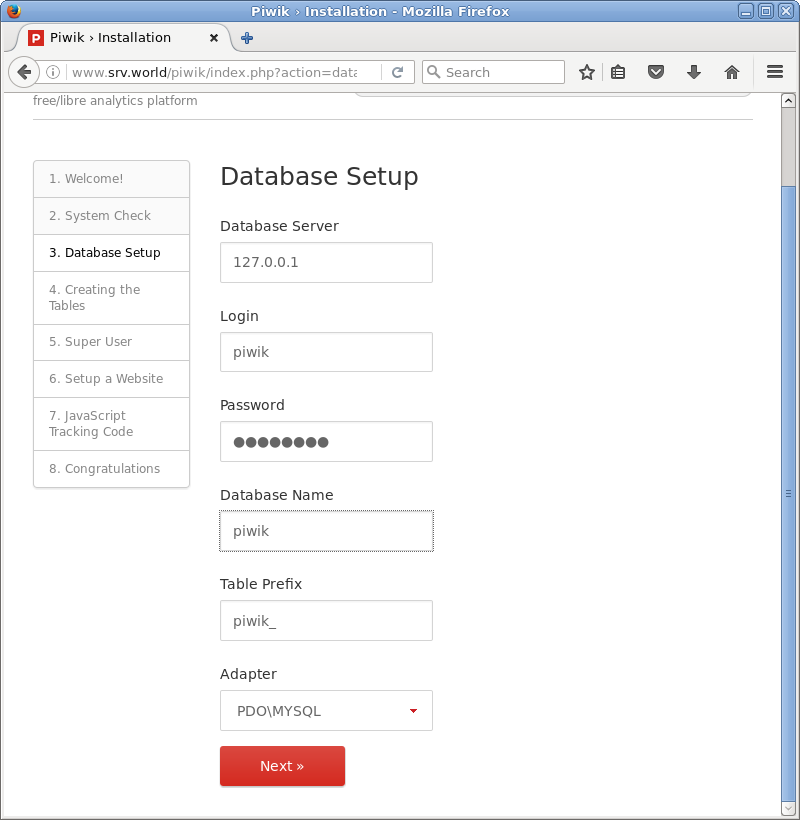
| [8] | Input Database's infomation. |
|
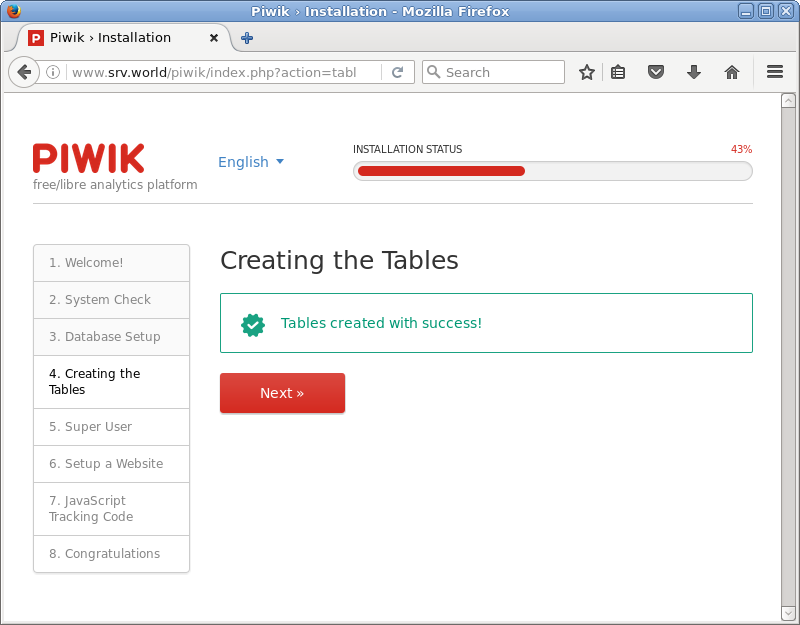
| [9] | Tabales are created normally if Database's infomation is correct. |
|
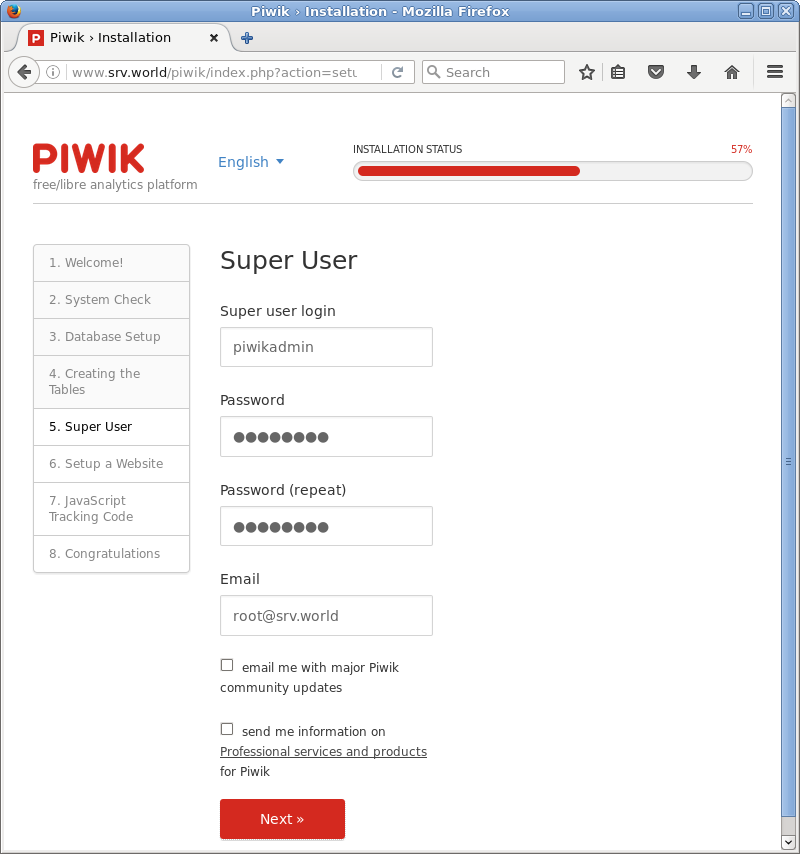
| [10] | Set admin user. Input any name and password you like. For email address field, input real email address on the internet. |
|
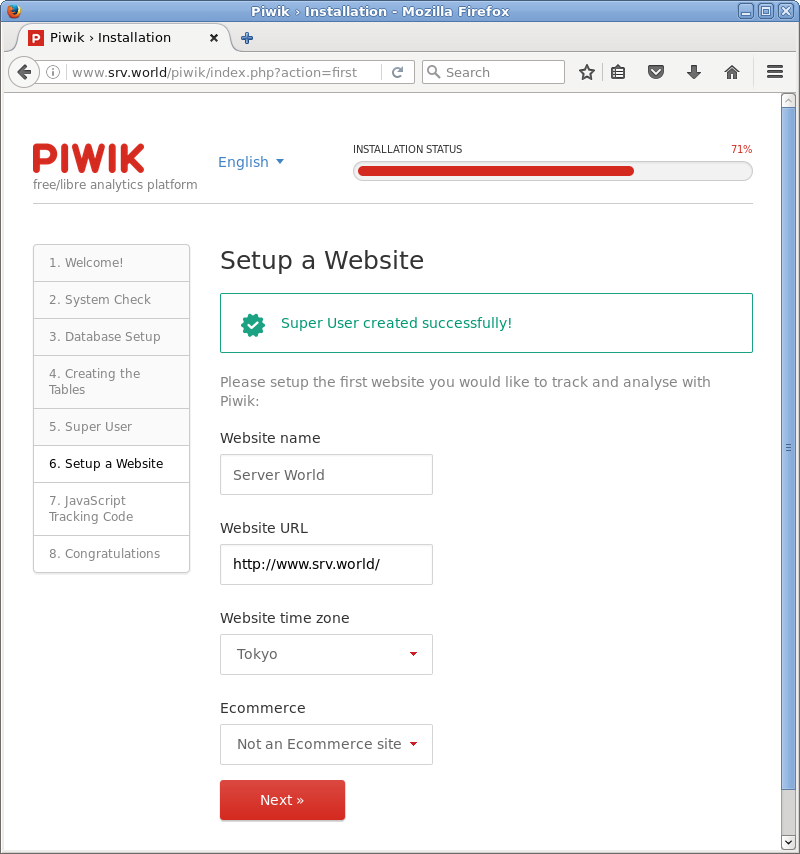
| [11] | Input web site's information you'd like to analyze accesses. |
|
| [12] | JavaScript codes are generated like follows. You need to add it on your web site. |
|
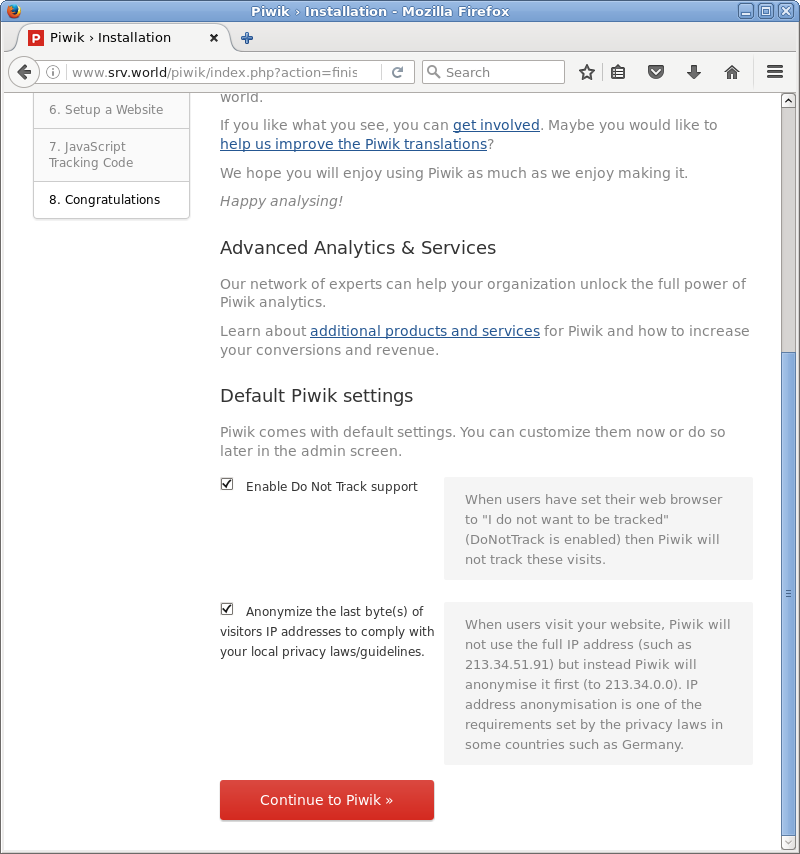
| [13] | Initial Setup is completed. Click "continue Piwik" to proceed. |
|
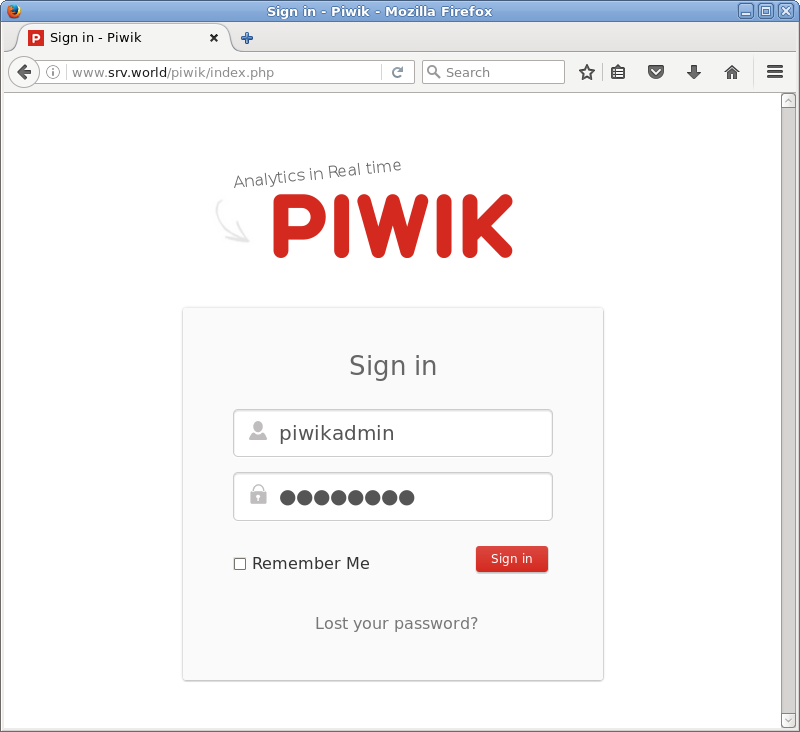
| [14] | This is the login screen. Authenticate with a user you added. |
|
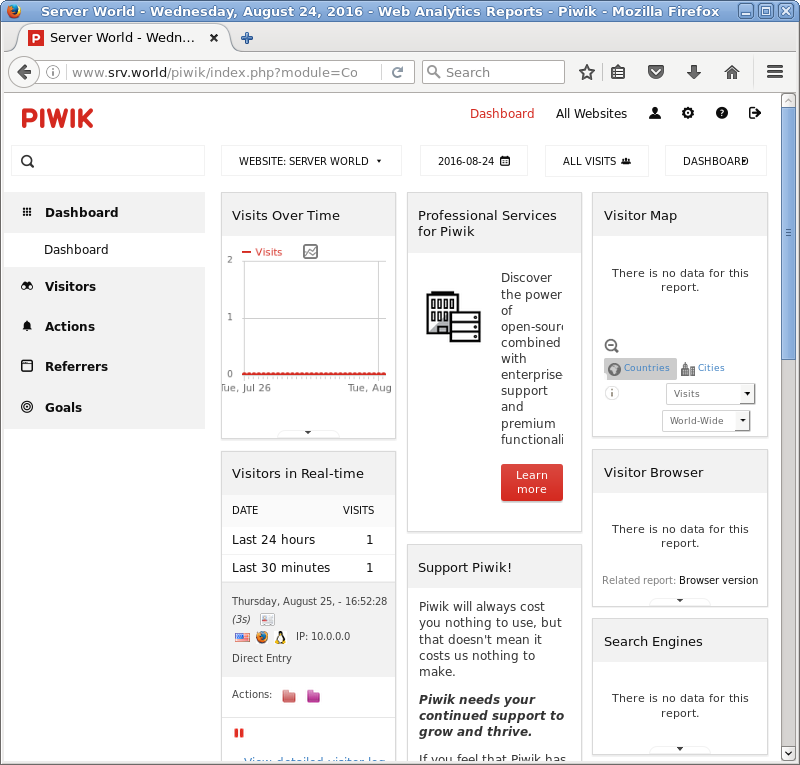
| [15] | This is main screen. Though no data is shown below, looks and feelings are good to use. |
|